
How to Check Your NBAD Balance
A Simple Guide
First Abu Dhabi Bank (FAB), previously National Bank of Abu Dhabi (NBAD), allows its customers many different convenient options to see how much money they have in their account. NBAD allows you to view your finances from the comfort of your home or on the go. This blog will explore the different options customers have to see how much money is in their account with NBAD.
1. Mobile Banking App
FAB Mobile Banking App is one of the most convenient ways to check your NBAD balance. It takes only a few taps to access your account information through the app.
Steps:
- Download the App: If you have not done so already, go to the Apple App Store or the Google Play Store to download the FAB Mobile Banking App (NBAD merged with First Abu Dhabi Bank, so it is now part of FAB’s app.)
- Log In: Open the app and log in using your user credentials (username and password or biometrics).
- View Balance: Once logged in, go to the “Accounts” or “Balance” section to view your current account balance.
Mobile banking allows for quick and easy access to banking features including bill payments and fund transfers.
2. FAB Online Banking
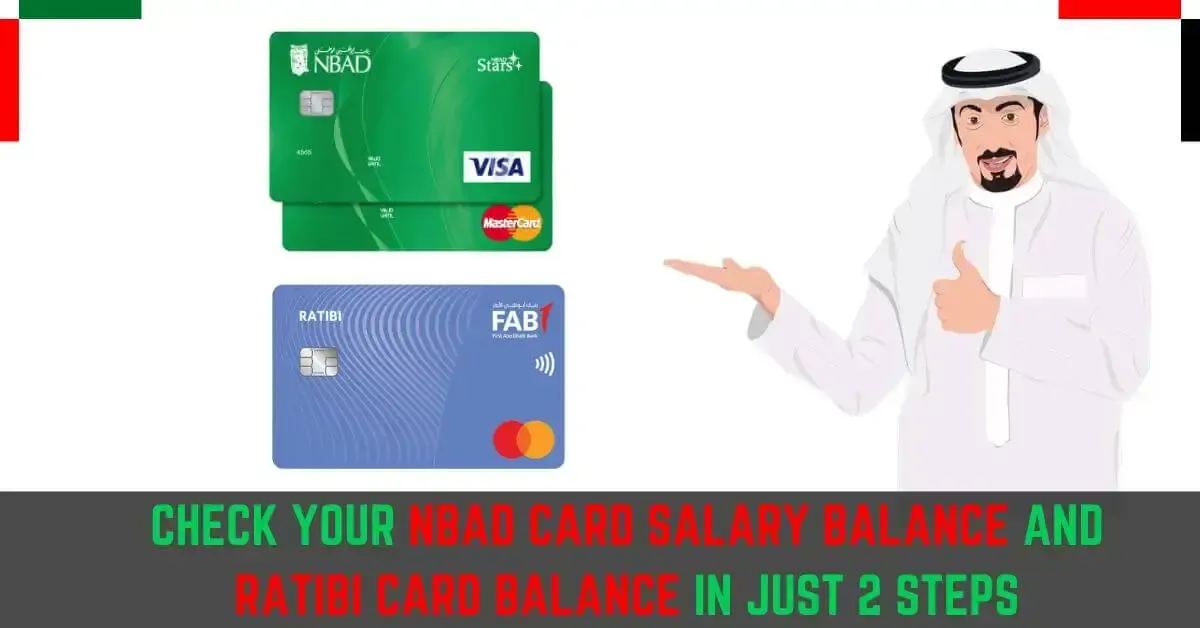
If you are using a computer and need to check your balance, you can do it at the FAB Online Banking Portal (previously NBAD’s portal) at the comfort of your home or office.
Procedures:
- Log In to Online Banking: Enter the FAB online banking site and log in using your user ID and password.
- Navigate to Accounts: On logging in, go to the section which says, “Accounts” to see your balance, and the last few transactions you’ve done.
Online banking also allows you to view detailed statements, transfer funds, and manage other banking services.
3. ATM Inquiry
If you are close to an NBAD or FAB ATM, you can check your balance by simply inserting your debit card. Any ATM that accepts NBAD or FAB cards will let you see your balance.
Procedures:
- Visit an ATM: Look for a nearby NBAD or FAB ATM.
- Insert Your Card: Use your debit or credit card to access your account.
- Select Balance Inquiry: Follow the on-screen instructions to select the “Balance Inquiry” option.
You can check your balance at any given time since ATMs can be accessed anytime.
 4. Phone Banking
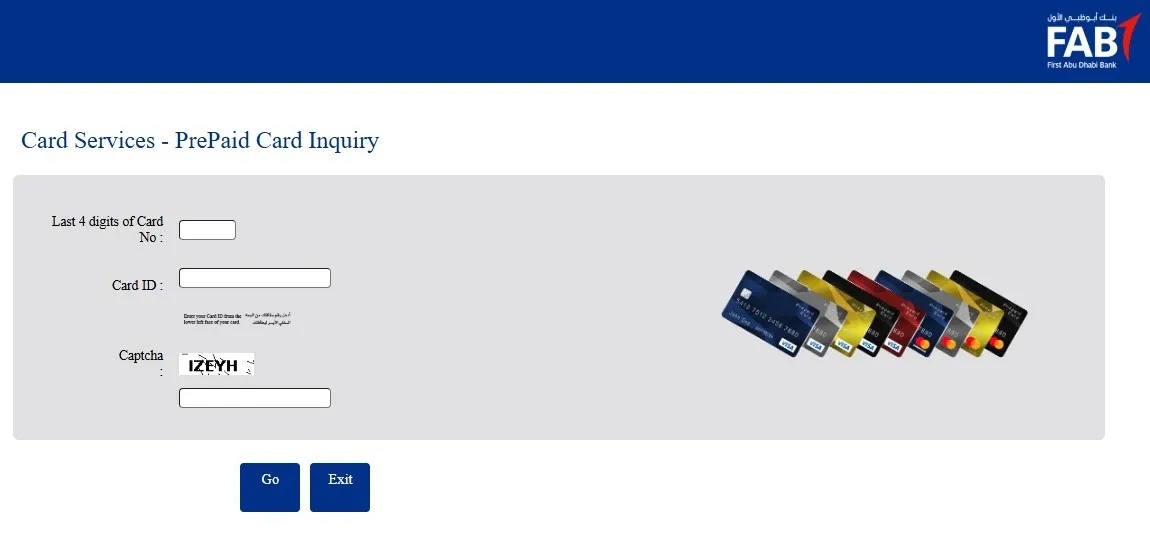
NBAD Phone Banking is also convenient for busy customers that want to talk to someone in person. You can call the bank’s customer service number to ask them your balance.
Steps:
Dial the Phone Banking Number: Call the customer service number on the back of your debit card or check the official FAB website.
- Follow the Automated Instructions: Select the service that lets you check your balance or skip to talking to someone in the bank.
You must enter your details to confirm your identity in order to keep your information secure.

5. SMS Banking
From bank services, NBAD SMS Banking is the fastest and easiest to get to your balance because it is the only service that requires just sending a text. You do need to enroll for the service first, though, to your bank.
Steps:
- Register for SMS Banking: Make sure to verify that you have SMS Banking registered, either by visiting the banks customer service, or through the banks transaction application.
- Send the SMS: Once you are registered, you need to send an SMS to a specific number (this number can be found by searching the FAB site) that includes the keyword you want to use to get information on your balance.
- Get your balance: Once you send the message with your balance request, you will receive an automated message with your balance in seconds.
This is a great for you for those who do not have the internet or the mobile banking app on their phones.
6. Go to the Branches
If you wish to go to a FAB or NBAD branch and talk to a bank employee directly to get your balance, you can do that as well. They will assist you and find out your balance.
Instructions:
Locate a Branch: Find the FAB branch that is closest to you.
Speak to an employee: If you do a balance inquiry, the system will tell you the balance that is associated with that account.
If you want to access a lot of information regarding your account or if you have some complicated banking questions, then it is worth it to spend a bit extra time on this option.
Summary
When it comes to your NBAD (FAB) account balance, there are a ton of quick and easy ways to get it depending on your style. Whether it is the mobile banking app, the internet banking, or an ATM, you have a ton of ways to access your account and manage your money. If you like to do things on your cell phone, SMS banking and phone banking are great options too.
Every alternative comes with its perks, so figure out which option suits your needs the best. You’ll always be able to access your information no matter where you are, and you’ll always be able to do so securely.