
Instagram Anonymous
How To Use Instagram Anonymously 2025
Instagram does not allow users on its platform to be fully anonymous; however, Instagram does allow its users to have some privacy with an account, thanks to privacy settings, having a second account, and other social media tools. The owner of Instagram, Meta, has a privacy policy that tracks some information, even for non-verified and non-logged-in users. What is covered here includes: tools, tips for distraction-free browsing, policy overview, viewing, uploading, and account setup. Always follow Instagram’s Terms of Service to avoid being banned. Instagram accounts may be flagged for misuse, including harassment or violent comments, and that information may legally be shared with the authorities.
1. Creating a 100% Anonymous Instagram Account
Making a fake account, aka a “Finsta“ that has no identifiable information linked:
Burner Email: Sign up with a temp mail like Proton Mail or Temp Mail, which does not require a real name or address
Temp Number: Use apps like Temp Text or Burner that allow you to skip phone verification.
VPN: Always connect to a VPN to mask your IP with ProtonVPN or Pancho set to always connect. It will help prevent Instagram’s policies from tracking your IP for “safety and personalization”.
Name Suggestions: Always pick something random, like @EchoPixel_87, instead of using identifiable information like real names or dates of birth.
Account Settings: After you’ve created the account, head to Settings > Privacy > Account Privacy > Private. This allows only your custom followers to see any of the content you post with the account. If you choose to turn on Suggestions for Similar Accounts, turn off Activity Status and Suggestions for Similar Accounts.
2. Viewing Public Profiles, Posts, Reels, and Stories Without an Account or Login
If you go to an incognito window and go to instagram.com/[username, you can see about 10 to 12 public posts before they make you log in.
And for stories, you can do that below, but there is not much you can do without an account. If you are using a VPN and incognito mode, there is no record kept, but don’t worry, the policy states they do not collect any data about accounts not in their system, particularly for viewing (and other) analytical purposes.
3. Best Free Anonymous Story Viewers in 2025
This works for public accounts only. Also, you should make sure to use a VPN and scan for malware.
Tool Pros Cons URL
Inflact Unlimited views and downloads; No signup needed for basics. Ads and they ask for an email for the premium. inflact.com/instagram-viewer
StoriesIG Simple, fast, mobile-friendly. Mostly stories and reels. CAPTCHA triggers frequently. No stories privately. storiesig.app
Picuki Profiles can be easily searched and embed their pages to share. Loading slowly is the only downside. picuki.com
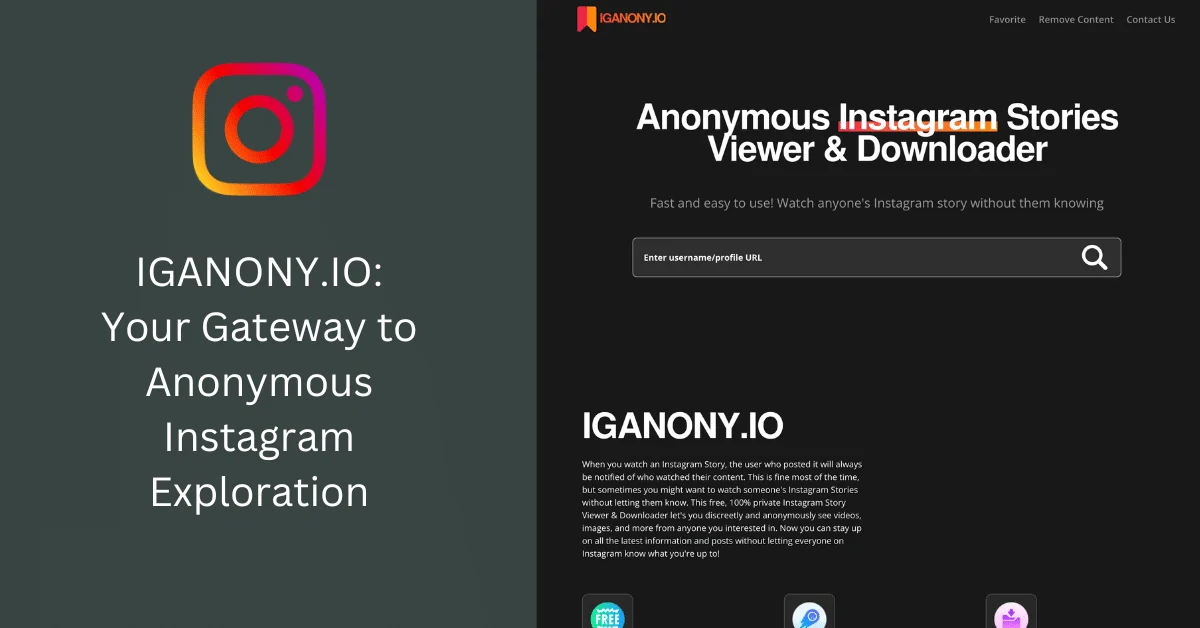
AnonyIG Fast story downloads. Limited to only stories; lots of ads. anonyig.com
Insta-Stories-Viewer Cross-device batch viewing. Simple UI. Basic overall. Risk of getting blocked. insta-stories-viewer.com
Peekviewer keeps a record of what you do. Has a 3-month limit for free. All reels supported. peekviewer.com

4. Advanced Anonymity Tricks
TOR + VPN. Use Tor Browser over a VPN for a slow but effective way against tracking, IP masking.
No Contact Sync: Do not upload contacts. Their policy uses this data in their supposedly anonymous “ connection data”.
Activity Status off. Settings > Privacy > Off to hide your online time.
Clear your data. Use a browser that has extensions for cookie data deletion.
Device Separation: Use has a “ policy” that shares tracking data across devices when using the same account.
5. Posting Anonymously
Do not include personal photos, geotags, stories, or anything identifiable. Use an AI tool, like MidJourney, to create images.
If you don’t want other followers finding you, make a private account. Follow only 5 to 10 people you trust.
Avoid activities, like commenting or liking, that will cause the account to log activity.
6. Risks, Limitations, and Legal/Ethical Warnings
Risk: Terms of service (i.e., TOS) violate/documentation of use of 3rd party tools leads to bans; policies that violate TOS lead to “data retention and/or data sharing to prevent harm through legal means”. When used anonymously, harm through spam leads to account review.
Limitations: Account will remain private; Meta stores “de-identified” data for targeted advertising.
Legal/Ethics: Laws are to be followed (CCPA, GDPR, etc); stop stalking. No selling data; policies prevent direct data selling, but do share data with a 3rd party under restrictive conditions.
Warning: If they claim to be an anonymous viewer and are unable to provide the tools listed, they are likely a scam. Issues related to the listed tools can be directed to Instagram Help for reporting.
Instagram Privacy Highlights
From Meta, June 16, 2025, and the AI personalization update, December 16, 2025:
What they track: Usage (of posts and views), device and/or IP, and even location. Anon data aggregated for advertising and analytics.
Sharing: No selling data, but personalized advertising-from use of 3rd party data, occurs within Meta, to partners, and law enforcement (under restrictions).
Your controls: Opt out of data use, delete data (but not control the deletion of other retained data), and control the advertising of targeted ads. Sensitive data must be collected with consent.
Lack of anonymity: If you’re not visible, you are not anonymous. If you use 3rd party tools, you risk direct violation of policies.